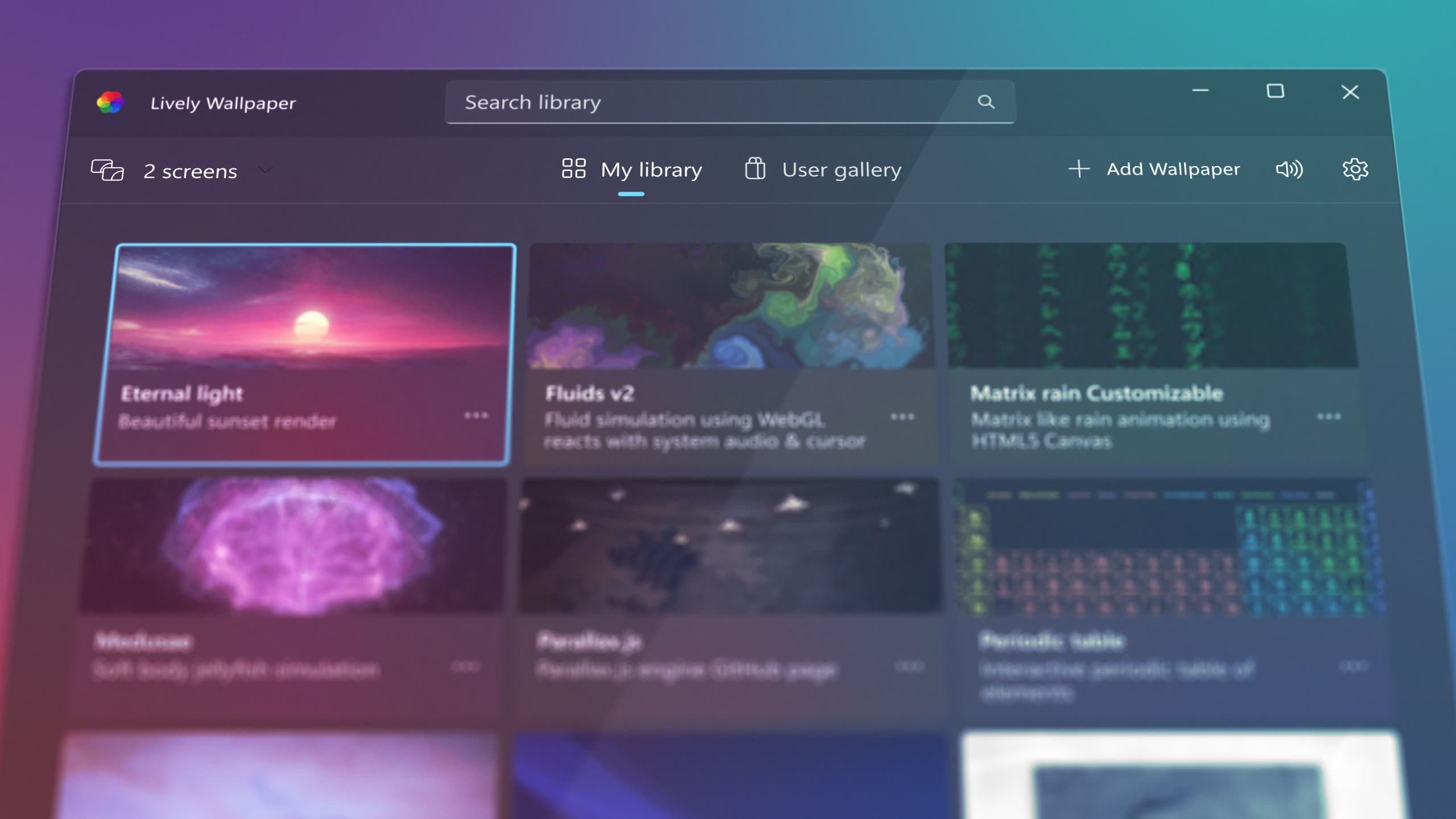
Get animated desktop wallpapers for Windows 10 and 11. Completely free, no ads, no subscriptions. Open-source under GPL-3.0 license.
Latest stable release for Windows 10 & 11 - always up to date
Lively Wallpaper interface - Award-winning free animated wallpaper app
No complex setup required. The entire process takes under a minute on most systems.
Click the download button above to get the latest installer. The file is approximately 200 MB and includes everything you need to get started.
Open the downloaded .exe file and follow the setup wizard. If Windows SmartScreen appears, click "More info" then "Run anyway" - Lively is open-source and safe to install.
Lively launches with a built-in library of wallpapers. Browse the collection, or drag and drop any video, GIF, HTML file, or URL into the app window to add your own.
Your wallpaper is now live! Lively runs in the system tray and starts automatically with Windows. Customize pause rules, audio, and performance in Settings.
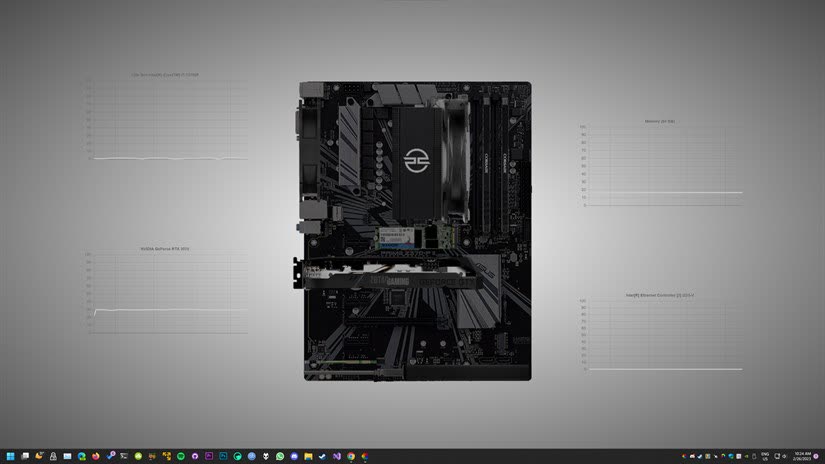
Lively is designed to be lightweight. It runs smoothly on entry-level hardware while scaling up for 4K and shader-heavy wallpapers on more powerful systems.
Higher-end hardware enables 4K and shader-heavy wallpapers with minimal performance impact.
Running into issues? Here are solutions to common installation problems.
Windows may show a SmartScreen warning because the installer is not code-signed with a paid certificate. This is normal for open-source software. Click "More info" then "Run anyway" to proceed safely.
Some antivirus software may flag Lively as suspicious. This is a false positive common with open-source desktop apps. Add an exception for Lively in your antivirus settings to resolve this issue.
Lively requires Microsoft Edge WebView2 Runtime for HTML and web wallpapers. On most Windows 10/11 systems this is pre-installed. If web wallpapers don't work, download the WebView2 Runtime from Microsoft's official website.
Try running the installer as Administrator (right-click > "Run as administrator"). Ensure Windows is fully updated. If the problem persists, contact support with your Windows version and error details.